Instructions
Shape your agent's identity, behavior, and rules with a structured prompt.
Settings → Instructions is where you tell the agent how to behave. It's a structured editor, not a single text box — you write in blocks, and you can attach incentives the agent can offer.
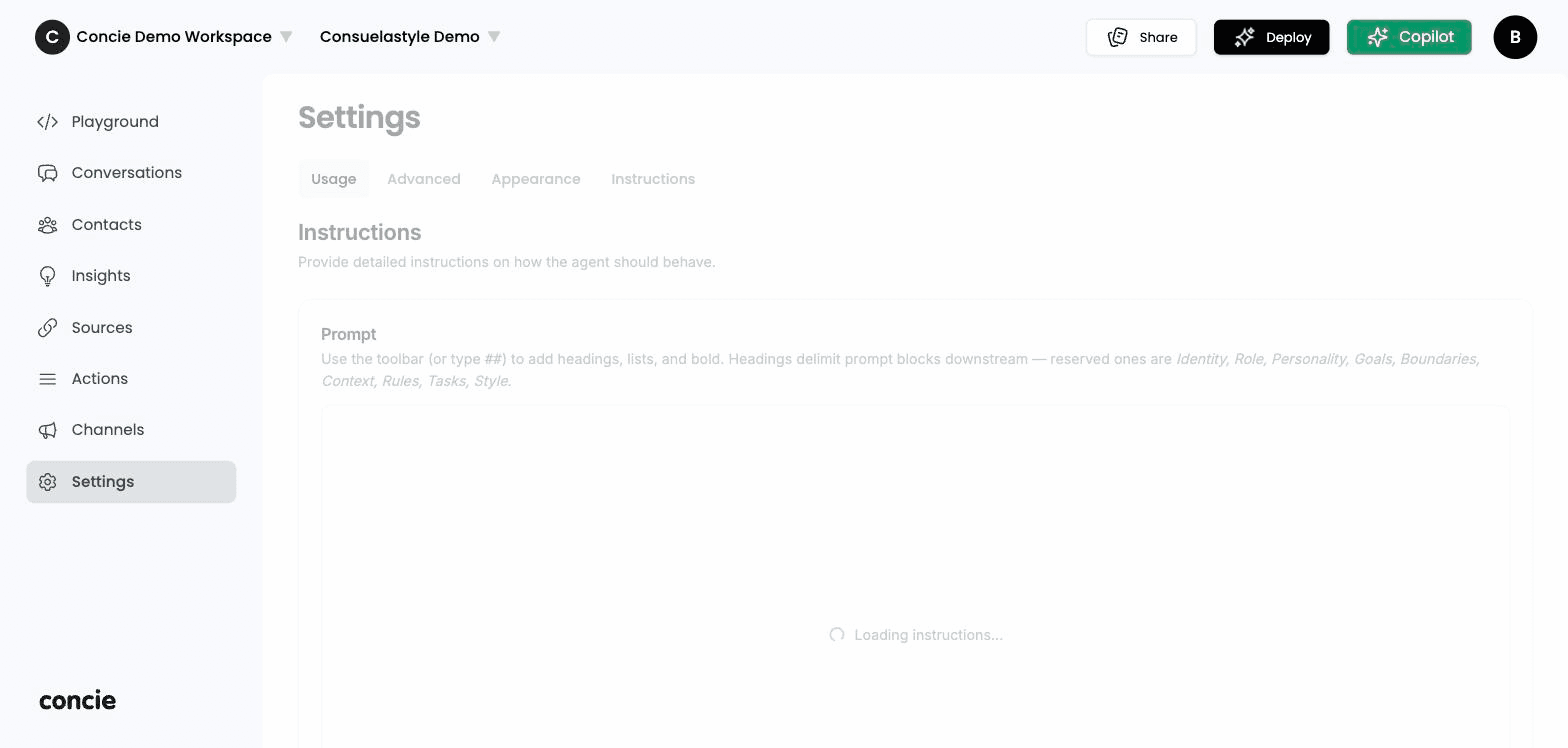
The prompt editor
Write instructions using the rich-text toolbar (or type ## for a heading). Headings define prompt blocks — Concie understands these reserved blocks and applies each to a different aspect of behavior:
| Block | What it controls |
|---|---|
| Identity | Who the agent is |
| Role | What it's for and who it serves |
| Personality | Tone and style |
| Goals | What it's trying to achieve |
| Boundaries | What it must not do |
| Context | Background it should assume |
| Rules | Hard constraints |
| Tasks | Specific jobs it performs |
| Style | Formatting and phrasing preferences |
Good blocks are specific and bounded — for example, under Boundaries: "Never invent prices or stock. If unsure, say so and point to a source."
Incentives
Below the prompt, the Incentives manager lets you define offers the agent can present (e.g. a discount or perk), each with a title, description, and limits. Toggle one on to make it available, edit or delete it anytime, and click Add incentive to create a new one.
Click Save to apply your instructions and incentives.