Build Your First Agent
Configure your agent's identity, role, and behavior.
Your agent's quality comes from three things: the data it's trained on, the instructions that shape how it behaves, and the actions it can take. This page covers identity and behavior. (Data is covered in Data sources; actions in Actions.)
Prerequisites
- A workspace (created during Quick Start)
- Your business website URL
Create the agent
Start a new agent
From your workspace, create an agent and give it a name, a type (for example, Sales or Support), and your business website URL. Concie uses the URL to train the agent automatically.
Describe its role
Write a short description of what the agent is for — who it talks to and what it should help with. Keep it concrete: "Helps shoppers find furniture, answers sizing and delivery questions, and recommends products."
Shape its behavior with instructions
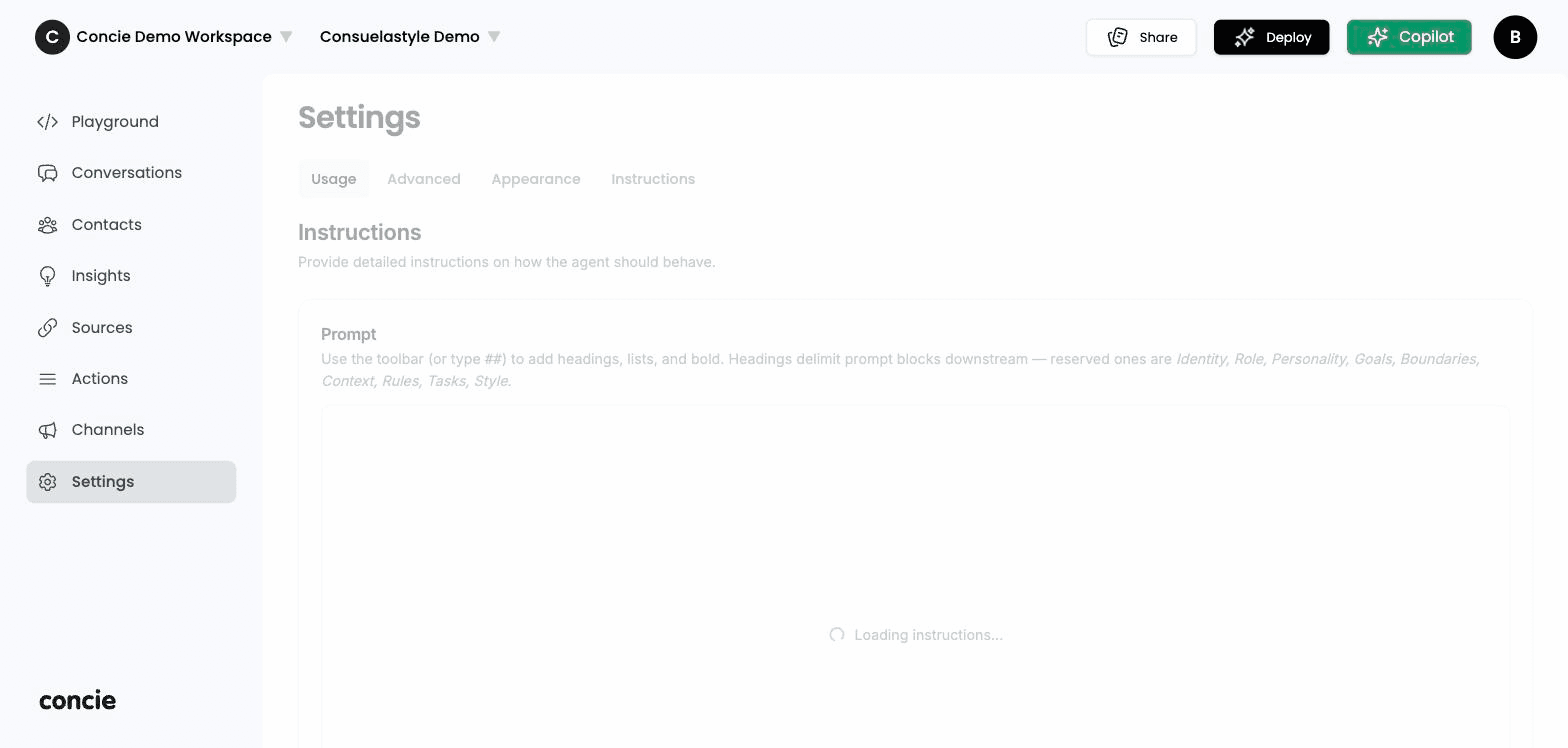
Open Settings → Instructions to define how your agent responds. Concie structures the prompt into blocks — Identity, Role, Personality, Goals, Boundaries, Context, Rules, Tasks, and Style — so you can shape each aspect separately (use the editor's headings to create them). This is where you set its personality, tone, and guardrails — the rules it must always follow.
Good instructions are specific and bounded. Some patterns that work well:
- Tone: "Be friendly and concise. Use short sentences."
- Scope: "Only answer questions about our products, orders, and policies. For anything else, offer to connect a human."
- Guardrails: "Never invent prices or stock. If you're unsure, say so and point to a source."
Verify it works
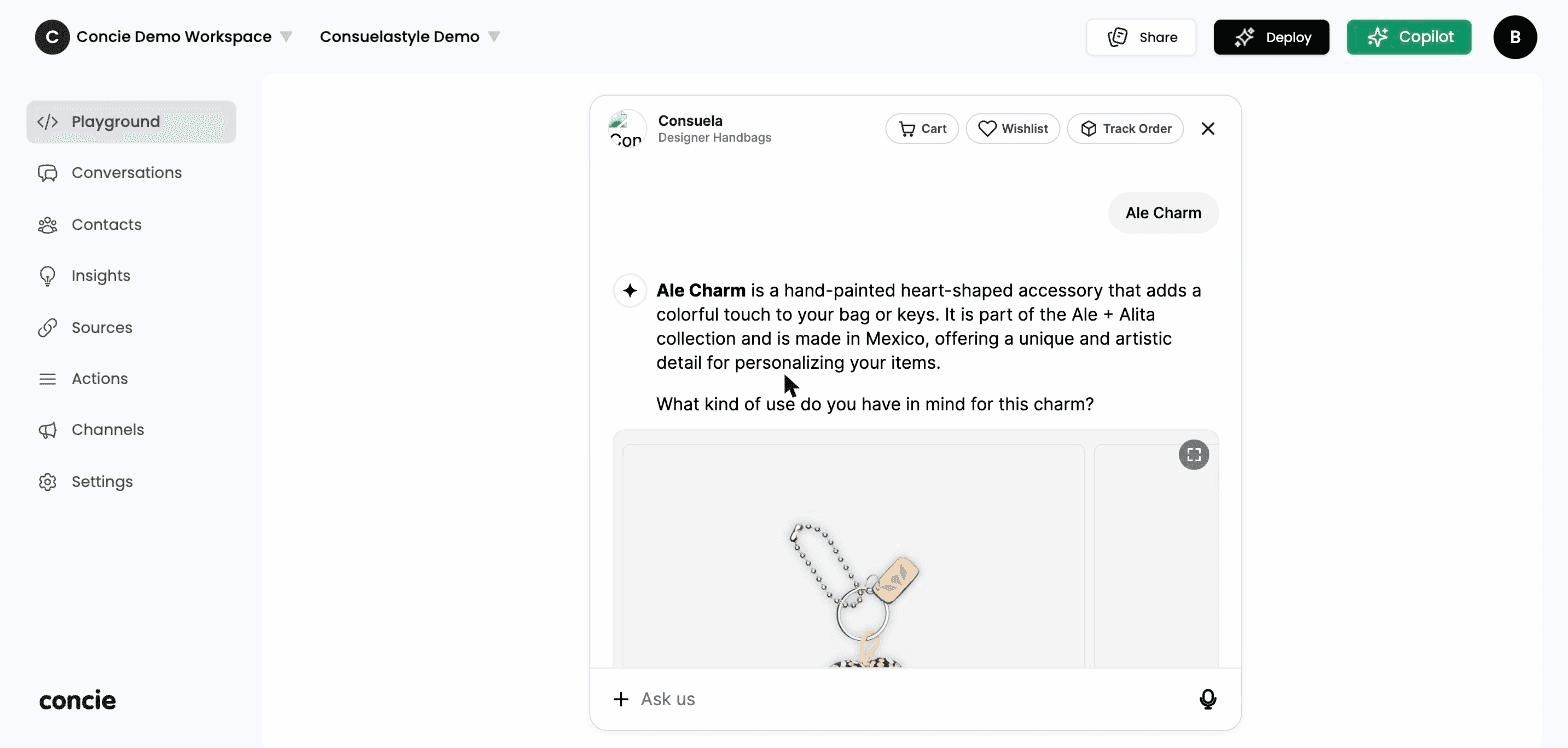
Open Playground and test the agent against real questions your customers ask. Check three things:
- Accuracy — are the facts right? If not, fix the underlying data source.
- Tone — does it sound like your brand? If not, adjust instructions.
- Boundaries — does it decline gracefully when it shouldn't answer?
Related
- Add data sources — improve accuracy
- Deploy to channels — put your agent live
- Set up actions — let it take action