Contacts
Every person your agent has talked to — with their history, intent, and submitted info.
Contacts is the directory of everyone who has interacted with your agent. Concie builds it automatically from conversations, lead forms, and signups — no manual entry.
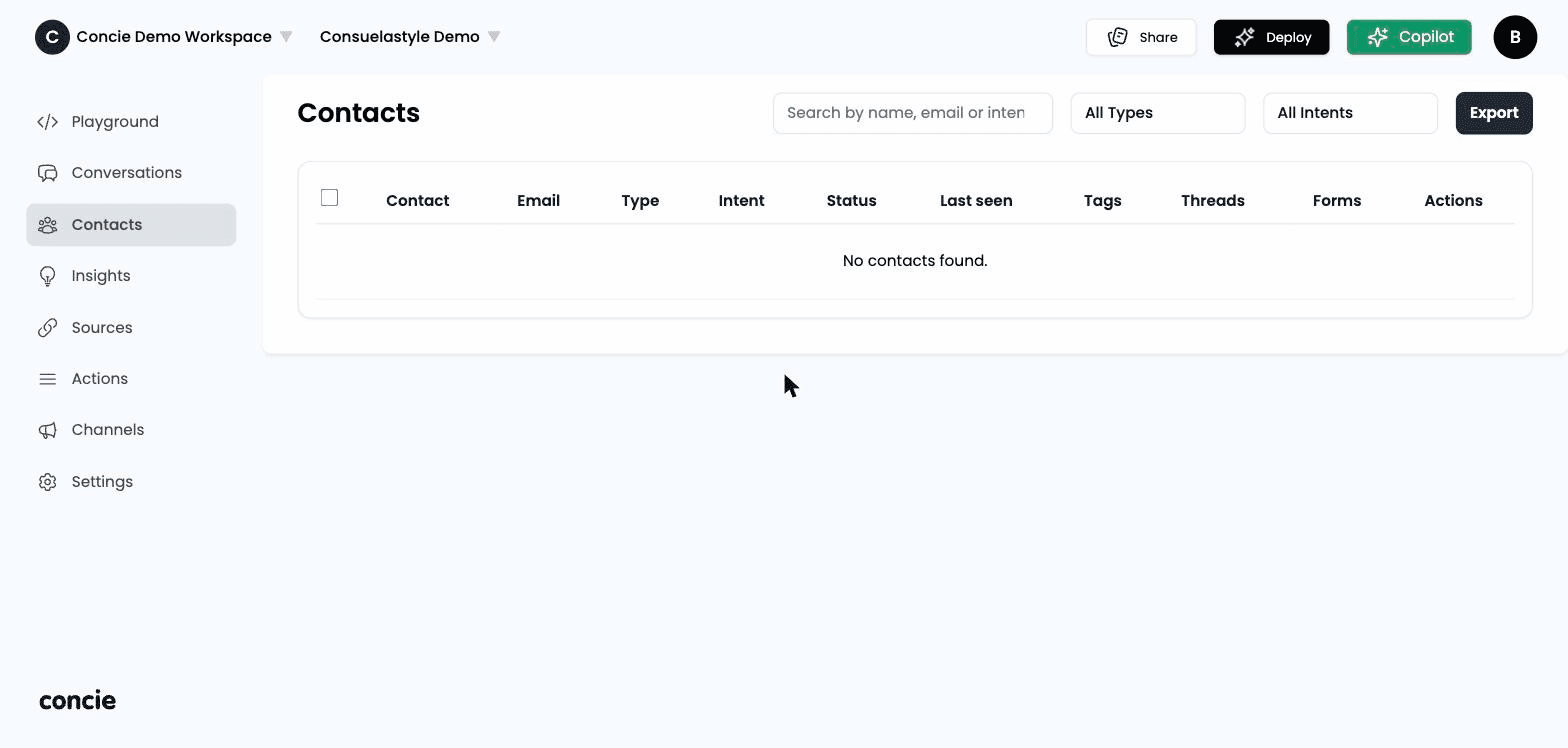
The contacts table
Open Contacts in the sidebar. Each row is a person, with columns for:
- Name and Email
- Channel — where they came from (website, social, lead form, email…)
- Last seen — relative time since their last activity
- Intent and type tags (see below)
Contacts are de-duplicated by name + email, so one person is one row.
What you can do
- Open a contact to see their full profile and complete conversation history.
- View submitted forms — booking requests and custom fields a customer filled in — and export the list (CSV/JSON).
- Edit a contact's name, email, and fields.
- Search by name, email, or intent keyword, and filter by type or intent.
Types and intent
Concie classifies contacts so you can prioritize:
| Tag | Meaning |
|---|---|
| Type | User, Member, Lead, Invitee, Contact, or Unknown — based on where they came from |
| Intent | Sales, Booking, Support, or General — detected from what they asked about |
| Signals | High Intent, Cart, Customer — surfaced when the conversation shows buying signals |
Use intent filters to build a worklist — e.g. show every Sales lead with High Intent, then open each conversation to follow up.
Related
- Conversations — the chats these contacts came from
- Insights — aggregate leads, carts, and conversions